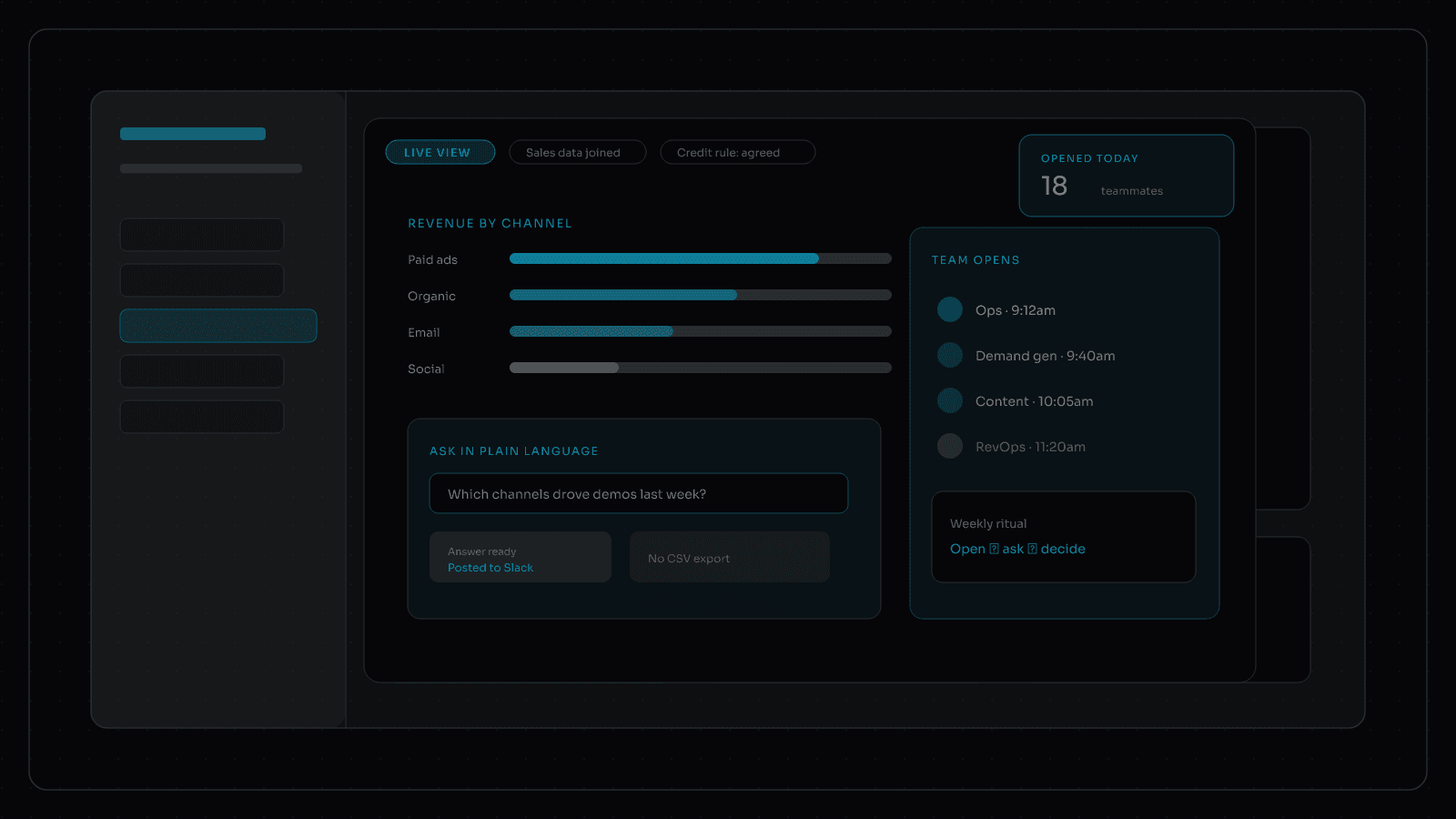
The Marketing Dashboard Your Team Actually Opens
Most marketing dashboards get abandoned. Build a custom marketing dashboard teams open weekly: revenue by channel reporting and automation.
Most marketing dashboards get built once and then ignored. The kickoff looks ambitious. Six weeks later, someone is still pasting screenshots into a slide deck because the live view does not answer the question leadership asked that morning.
A custom marketing dashboard earns its place when people open it on purpose. Not because a vendor calls it a "single source of truth," but because it settles the decisions your team already makes: what to fund, what to fix, and what to stop.
Why dashboards die after launch
Abandoned reporting usually fails the same way:
- Charts copy the defaults from each ad or analytics tool instead of your definitions
- Channel and campaign names do not match across Google Analytics, ads, and your CRM
- Revenue by channel reporting is missing, or someone rebuilds it by hand every week
- Nobody trusts the numbers enough to argue from them in a meeting
- The dashboard lives in a tool the team does not already open every day
If the weekly ritual is still export, reshape, paste, the dashboard is decoration. Reporting automation should remove that ritual, not decorate it.
What a custom marketing dashboard must answer
Start from the questions that already burn Friday afternoons:
- Which channels drove pipeline this month, under a credit rule everyone agreed on?
- Which landing pages and content types helped create demos?
- Where did spend move without a matching change in the CRM?
- Which high-traffic pages went stale?
Those are product requirements, not nice-to-haves. A custom marketing dashboard that cannot answer them will lose to a shared spreadsheet that can.
Revenue by channel reporting without the war room
Revenue by channel reporting only works when definitions are written down. Name the credit rule. Show the time window. Put CRM opportunities next to media and website events so "channel performance" is not a mood swing from Google Analytics.
When leadership asks "what worked," you should point at one view with website context attached: page templates, campaigns, and paths that explain the swing. That is the difference between a chart and an explanation your media and content owners can act on.
Reporting automation people actually feel
Reporting automation is not another PDF that lands in email. It is the habit of delivering the cut people need where they already are:
- Monday pipeline and channel snapshot in Slack
- Board-ready numbers with a frozen baseline after the credit rule changes
- On-demand answers: top landing pages, declining posts, assisted paths
If someone still rebuilds the board deck by hand, automation did not land. The dashboard is the system of record for those asks, not a museum of metrics.
Design for open rates, not chart counts
Teams open tools that reduce anxiety. Keep the surface small. Prefer a few trusted numbers, channel views that show the path people took, and a plain-language ask box over twenty tabs of vanity metrics. Tie every widget to a decision owner.
What "good" looks like after 30 days:
- Ops stops Friday spreadsheet digging for the core weekly asks
- Channel owners argue from the same revenue by channel reporting view
- Content and web owners see page-level context next to swings
- Leadership sees a documented credit rule and a clean baseline
Fit it to marketing ops, not a six-month analytics project
Marketing and ops leaders do not need another long analytics saga to get a view people trust. AI-powered delivery compresses the join work: website events, CRM, and spend in one story with declared rules. That is how a custom marketing dashboard becomes weekly infrastructure instead of a launch artifact.
If your current stack only works when one person remembers the export ritual, you do not have reporting. You have a fragile habit. Replace the habit with a dashboard shaped around the decisions, then automate the asks that used to burn Friday.
Build the dashboard around the decisions
A custom marketing dashboard is not a prettier Google Analytics exploration. It is reporting fitted to how your B2B team decides, with website context, CRM join, and reporting automation that sticks. That is what AI-powered custom analytics reporting is for: ask for the cut, get something useful back, and stop maintaining a dashboard nobody opens.