GA4 Changed Your Attribution and Broke Your Dashboard
GA4 attribution change 2026 broke many dashboards. Custom analytics reporting is the fix: website context, CRM join, plain answers. STRS Dev builds it now.
Your conversion numbers changed. The campaign did not. That is the GA4 attribution change 2026 story a lot of marketing teams are living through: dashboards swing, Monday meetings get tense, and nobody moved a dial on creative or budget.
GA4 data-driven attribution redistributes credit. When defaults, lookback windows, or channel groupings shift, conversion numbers changed on the chart even when CRM demos stayed flat. Thin GA4 exports turn a model update into a fake business crisis.
Triage helps for a week. Custom analytics reporting is the real fix.
Why GA4 alone will keep breaking the story
GA4 is a strong behavioral layer. It is not your revenue system of record. It is not a frozen definition of "what worked." Decks that still assume last-click folklore while GA4 reports data-driven by default will disagree forever.
Common failure modes:
- Month-over-month charts stitch across a model change with no label
- Paid social and email lose assisted credit, so efficiency looks worse overnight
- Brand search and direct pick up mid-funnel credit
- CRM stays steady while key events swing, so teams argue past each other
If your leadership deck is a screenshot of the GA4 UI, the next attribution update will break it again. Mirroring explorations is not a reporting strategy. It is a dependency on whoever changed the model last.
Short triage, then stop living there
Before you reallocate budget:
- Name the model on every slide (data-driven, last click, paid and organic last click).
- Freeze a post-change baseline. Do not trend across the break unlabeled.
- Reconcile to CRM. If pipeline is stable and GA4 swung, treat GA4 as directional until definitions match.
That buys calm. It does not build a reporting product your team can run on. Most teams stall here: more Looker tabs, more CSV archaeology, same argument next quarter.
The real fix: custom analytics reporting
What used to sit behind a heavy BI project is now within reach. AI-powered delivery compresses the cost of joining sources, shaping decision-ready cuts, and answering questions in plain language. STRS Dev is building this for customers now. It is more affordable than most teams assume.
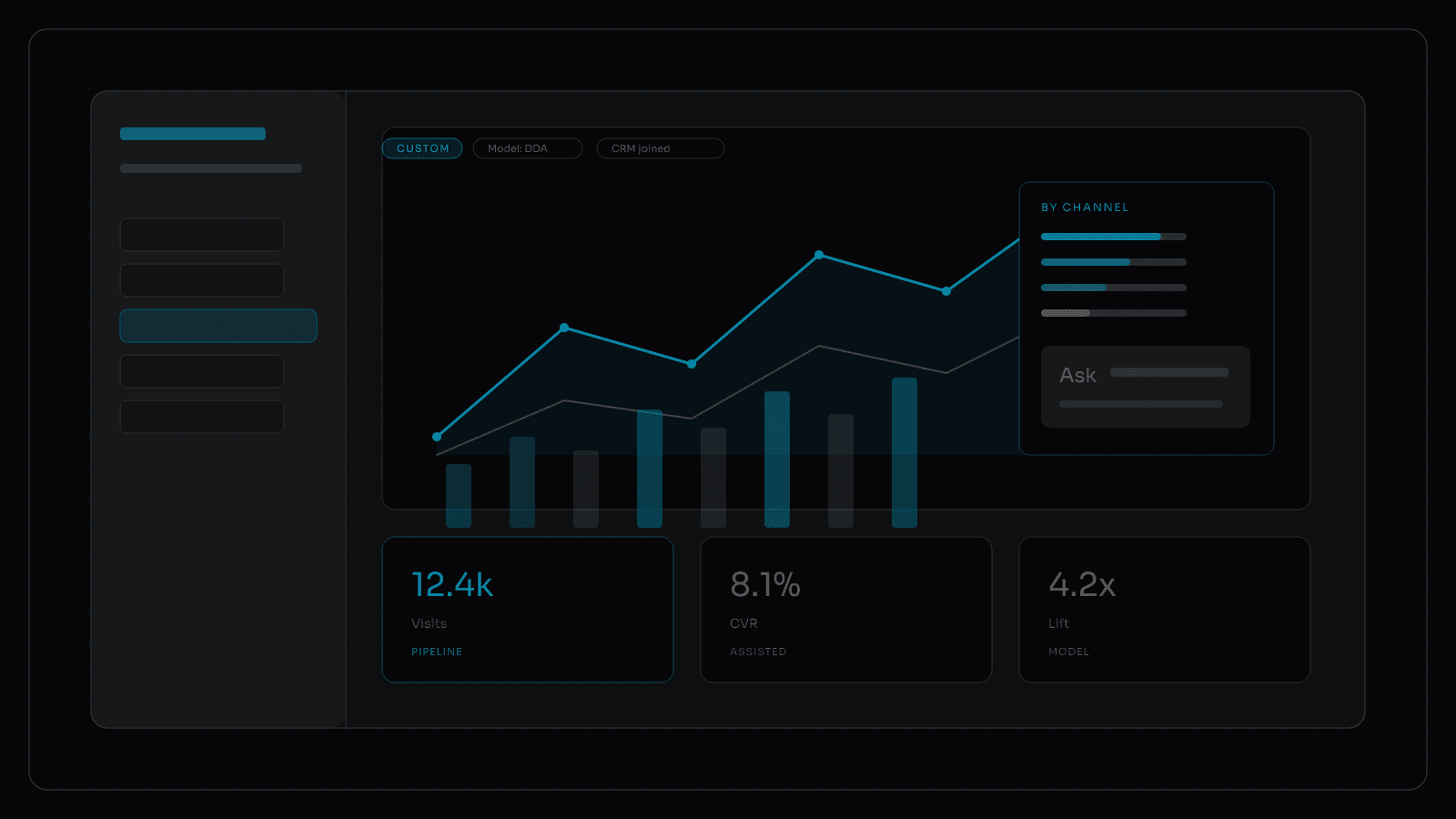
You are not buying another chart wall. You are buying a custom analytics dashboard that fits how your team already decides: which pages drive demos, which content went stale, which channels deserve budget when the model moves again.
A custom analytics reporting layer should do four jobs GA4 exports never will:
- Declare the model in the report header so attribution assumptions are visible, versioned, and comparable.
- Carry website context (landing templates, content types, IA, conversion paths) so "what moved" has a page-level explanation, not just a channel bar.
- Join CRM and spend so demos, opportunities, and closed-won sit next to GA4 key events in one narrative.
- Answer in plain language from Slack or the tools your team already opens: top landing pages this quarter, which posts drove demos, which high-traffic pages went stale.
That is reporting that actually helps. Not another exploration saved as a PNG. Website context turns a swing in conversions into an explanation your content and media owners can act on.
What "good" looks like
After a GA4 attribution change, you should say in one sentence which model the number uses, which window it covers, and how it maps to pipeline. If you cannot, the dashboard is theater.
A healthy custom stack:
- Leadership KPIs use a documented model and a clean baseline
- Channel owners get path-aware views, not only last-touch vanity
- Ops explain GA4 vs CRM gaps without a war room
- Media and content decisions wait for reconciled signal
You do not need more charts. You need a custom analytics dashboard built around the decisions you already make, with website context included and third-party sources joined on purpose. When the next GA4 data-driven attribution update lands, the report layer absorbs it because the model is declared and the CRM join still anchors the story.
That is the point of AI-powered custom analytics reporting: fitted cuts, plain-language answers, and a report layer that survives the next model change.