Chatbot vs AI Agent: The Difference Decides Your Pipeline
Chatbot vs AI agent: FAQ bots vs agents that assess intent, personalize pages, build buyer profiles, and book meetings. Try ours via the spinning ring.
Most marketing teams already have a chatbot. Few have an AI agent that improves pipeline.
That chatbot vs AI agent gap shows up in the metrics: more conversations, same qualified meetings. The widget is busy. Sales still starts cold.
The difference is not the model brand. It is what the system is allowed to do on your website, and what it hands to CRM with confidence.
Chatbot vs AI agent, in practice
A chatbot answers. It maps FAQs, deflects support load, and keeps buyers moving through static paths. Useful. Limited.
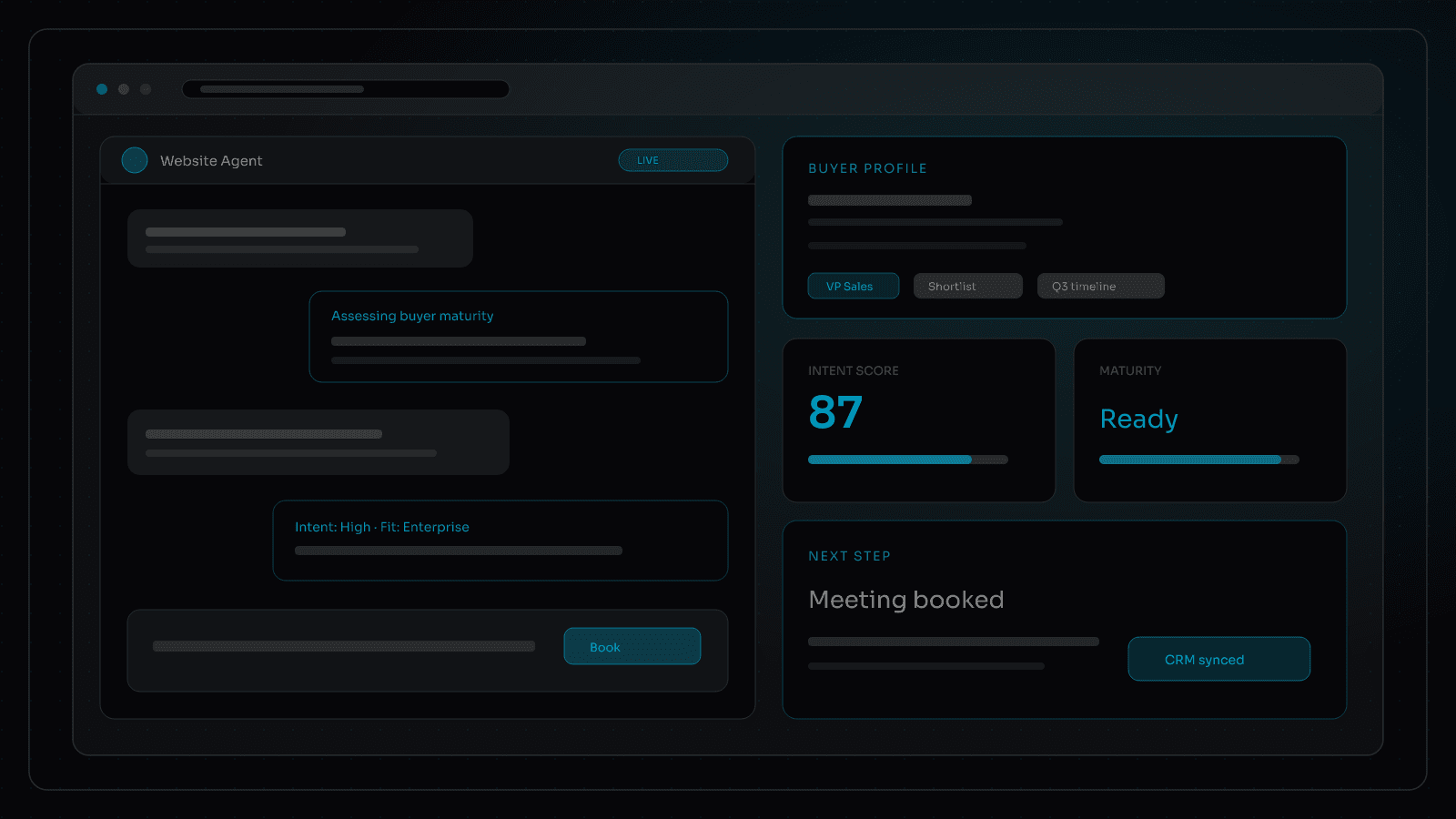
An AI agent operates a conversion workflow. It reads intent, adapts the experience, qualifies against your criteria, builds a usable buyer profile, and books or hands off with context attached. Conversational lead capture is the interface. AI lead qualification is the job.
If your tool only replies, you bought a chatbot. If it can change what happens next based on maturity, intent, and fit, you are closer to an agent.
Where chatbots stall pipeline
We keep seeing the same failure modes:
- FAQ loops that never ask budget, timeline, use case, or buying role
- One script for every visitor, so enterprise and SMB get the same shallow path
- Email capture without qualification, then a form dump into HubSpot
- No calendar or routing handoff, so "we will get back to you" becomes the conversion event
- No summary for sales, so the first call restarts discovery the buyer already gave the site
Busy chat is not pipeline. It is activity that looks modern while the real conversion still sits in a contact form.
What an on-website AI agent actually does
The jump from chatbot to agent is not a longer prompt. It is a set of capabilities that compound during the visit.
Maturity assessment
Agents can gauge where a buyer sits in their journey: researching, comparing, shortlisting, or ready to buy. That assessment should change the next question, the offer depth, and whether you push education or a meeting. A first-touch visitor and a returning evaluator should not get the same script.
Buyer intent detection
Intent is more than a page view. Agents weigh what was asked, which pages were visited, which product lines came up, and how urgent the language sounds. High-intent buyers get a shorter path to booking. Low-intent buyers get guided discovery instead of a hard sell that kills the conversation.
Web personalization
Chat should not live in a vacuum. An agent can personalize what the visitor sees next: relevant case studies, pricing paths, product modules, or CTAs matched to segment. The conversation and the page reinforce each other instead of competing for attention.
Buyer profiles that sales can use
Every useful exchange should update a living buyer profile: role, company context, pain, timeline, fit score, objections, and preferred next step. That profile writes to CRM with a clean summary. Sales should open the record and continue the conversation, not restart it.
Meeting scheduling on-site
When fit and intent clear your bar, the agent books. Calendar availability, routing rules, and CRM create/update happen in one flow. No "someone will email you a link." The conversion event is a scheduled meeting with context attached.
And more, under your rules
The possibilities are not a feature checklist to turn on overnight. Done well, on-website AI agents can also:
- Route enterprise vs SMB (or product line, region, partner) with different owners
- Disqualify politely when fit is wrong and protect sales time
- Trigger follow-up sequences with the right content, not generic nurture
- Surface the right proof at the right moment (story, metric, demo path)
- Escalate to a human when confidence is low or the topic is sensitive
Conversational chat is the entry point. The agent is the operating layer that takes that chat to the next level.
See one live on this site
If you want a concrete example of what we mean by on-website AI agents, look at the spinning ring in the bottom-right corner of strsdev.com. Click it. That opens our agent: conversation with qualification, context, and a path toward a real next step. Not an FAQ toy. A working conversion layer on the page.
What AI lead qualification has to include
Qualification is not a longer chat. It is a decision framework your team owns:
- Clear ICP rules and disqualify paths
- Questions that produce sales-usable signal, not vanity chatter
- Segment-aware routing (enterprise vs SMB, product line, region)
- Clean CRM writeback: fields, attribution, transcript or summary
- A next step the buyer can complete on-site (book, route, or guided CTA)
Without those pieces, conversational lead capture is theater. The conversation feels smart. The handoff is empty.
Guardrails that keep agents useful
Agents need boundaries the same way forms need validation.
- Know what they can write to CRM vs what humans must approve
- Stay on brand and on-offer; no inventing pricing or capabilities
- Fail closed when confidence is low: escalate, book a human, or fall back to a clearer path
- Log what was asked, answered, and written so marketing and sales can audit the flow
The point of an on-website agent is control, not novelty. You own the conversion workflow. The agent runs it under your rules.
How this connects to on-website lead gen
We already argued that owned conversion on the website beats bolted-on forms. Chatbot vs AI agent is the next cut: do not replace a weak form with a weak chat layer.
If last week's note covered quiet HubSpot form failures, this one is the product decision after the stack stops leaking. Fix the doorway. Then decide whether the buyer journey should answer questions or qualify, personalize, profile, and advance the deal.
A practical check this week
Open your current chat or "AI" widget and run three buyer personas through it. For each, ask:
- Did it assess maturity and intent, or just answer FAQs?
- Did the experience personalize in any meaningful way?
- Did it build a buyer profile sales would actually use?
- Did routing or booking happen without a dead-end email form?
- Did CRM receive context, or just a name and email?
If the answers are thin, you still have a chatbot wearing an agent label. Rebuild the workflow around qualification, personalization, and handoff, then put conversation on top. Then click the spinning ring on our site and compare.